VIVE Focus Vision, the newly launched hybrid standalone from HTC VIVE, features several upgrades to the award-winning headset series. One of the enhancements gamers are most excited about is DisplayPort (DP) support, leveling up the PC-to-headset streamingexperience.
How does VIVE Focus Vision manage to be both a standalone device and a powerful PC VR capable of multiple streamingstandards? The answer is VIVE Hub.
Test the streaming experience of VIVE Focus Vision with VIVE Hub now!
VIVE Hub: More Than Just Streaming
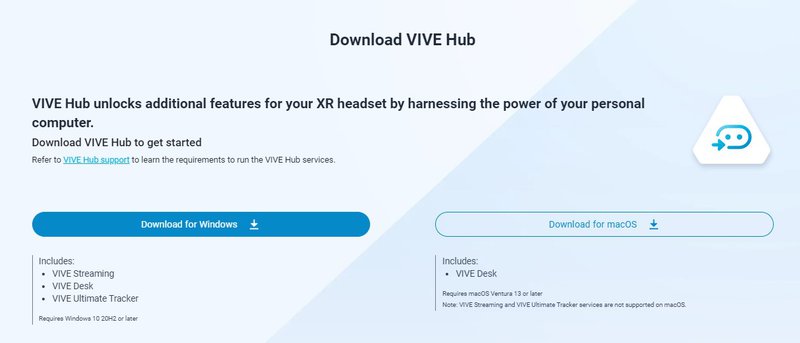
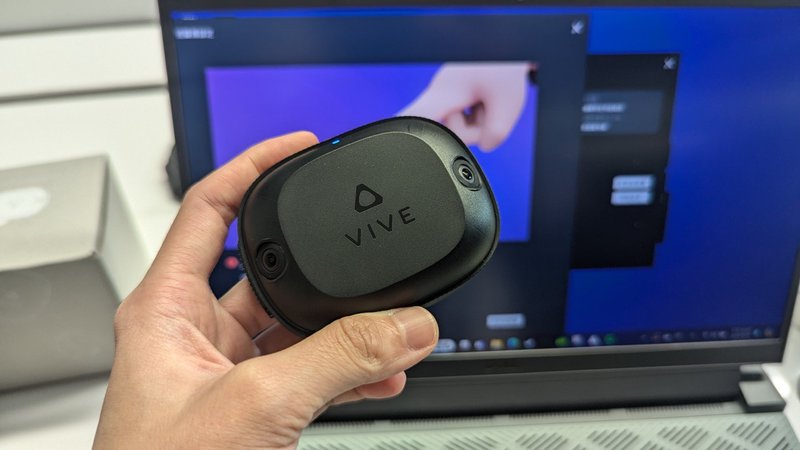
Originally known as VIVE Streaming Hub, the new and improvedVIVE Hub has sinceaddedadditional services, consolidatingVIVE Streaming, VIVE Desk, and VIVE Ultimate Trackerpairing management in one convenient platform.
VIVE Streaming offers three ways to connect: DP and USB Type-C for wired streaming as well as Wi-Fi if a more mobile experience is preferred.
1. DisplayPort
DP provides a large bandwidth, enabling higher resolution and faster refresh ratesfor video transmission. Most importantly, itconnects to the PC's graphics card, allowing the GPU to process images directly to reduce latency and provide losslessvisual quality. Unlike USB data transfer, DP leverages Display Stream Compression (DSC). DP streaming mode is currently exclusive to VIVE Focus Vision.
In VIVE Hub, users will be guided step-by-step to successfully connect via DP.
2. USB
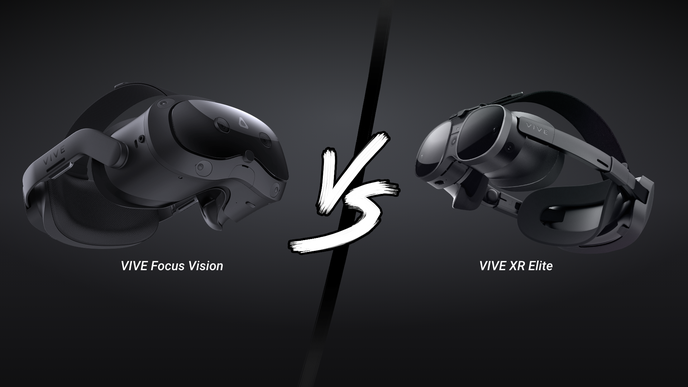
Both VIVE Focus Vision and VIVE XR Elite also support USB Type-C data transfer for another option to unlock the power of PC VR with standalone headsets.
3. Wi-Fi Streaming
Wi-Fi connectivity allows users to move freely without the constraints of a cable. Streaming quality, however, may be limited by your network setup. Wireless streaming is available on VIVE Focus Vision and VIVE XR Elite.
Once successfully streamed in DP mode, the icon turns orange. Cool, right?
Compared with VIVE Focus 3, VIVE Focus Vision added two 16-megapixel full-color passthrough cameras and a depth sensor, seamlesslymerging virtual and physical environments while wearing the headset. With such technology, wearing a VR headset doesn't disconnect you from the real world. More practically, VR can not only provide entertainment but also serve as a productivity tool, with mixed reality virtual office being a well-known use case.
In addition to VR mode, you can also activate MR passthrough, allowing you to balance virtual- and real-world elements. (Source: HTC VIVE)
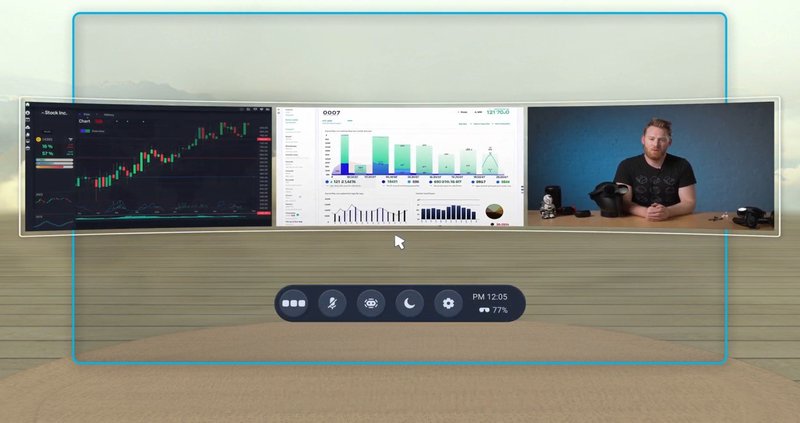
You can also find VIVE Desk inVIVE Hub. In VR mode, the virtual desktop solution allows you to still see your hands, mouse, and keyboard while in virtual reality, providing a private workspace with up to three highly customizable screens. VIVE Desk now also supports Mac systems.
VIVE Ultimate Tracker: Easy Tracker Pairing
Through VIVE Hub, you can easily pairVIVE Ultimate Trackers with third-party headsets, making connection more intuitive as well as enabling you to monitor tracker status like battery life, firmware versions, and more.
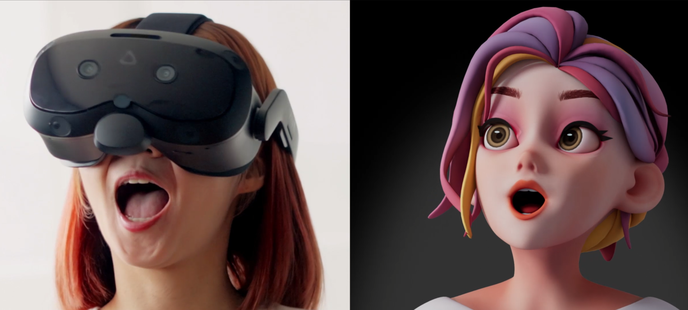
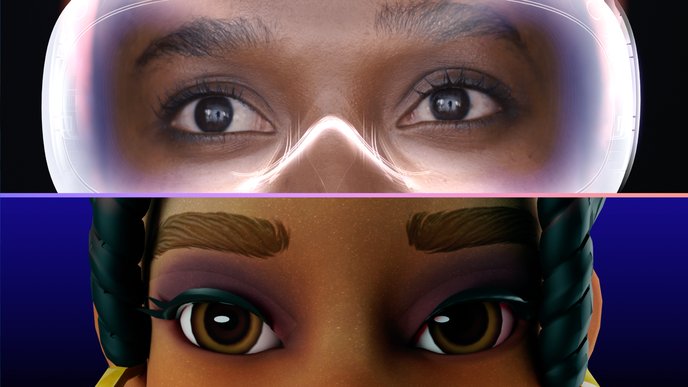
Time to show off in VRChat!
VIVE Focus Vision is now available for pre-order, featuring the VIVE Wired Streaming Kit and three different PC VR game bundles.